What Are Supply Chain Attacks?
A supply chain attack happens when hackers break into a company by targeting its partners, suppliers, or software tools. Instead of attacking the company directly, they sneak in through third parties. This kind of attack can cause data leaks, service shutdowns, and even major financial loss.
Hackers often go after software updates, shared tools, or services that connect to your business. Once they get in, they move fast—stealing data, planting malware, or spying on your network. These attacks are hard to spot because the problem doesn’t start in your own system. It starts somewhere else and then spreads.
Why Air-Gapped Backups Matter
To fight back against these kinds of attacks, one strong solution is using Air Gapped Backups.
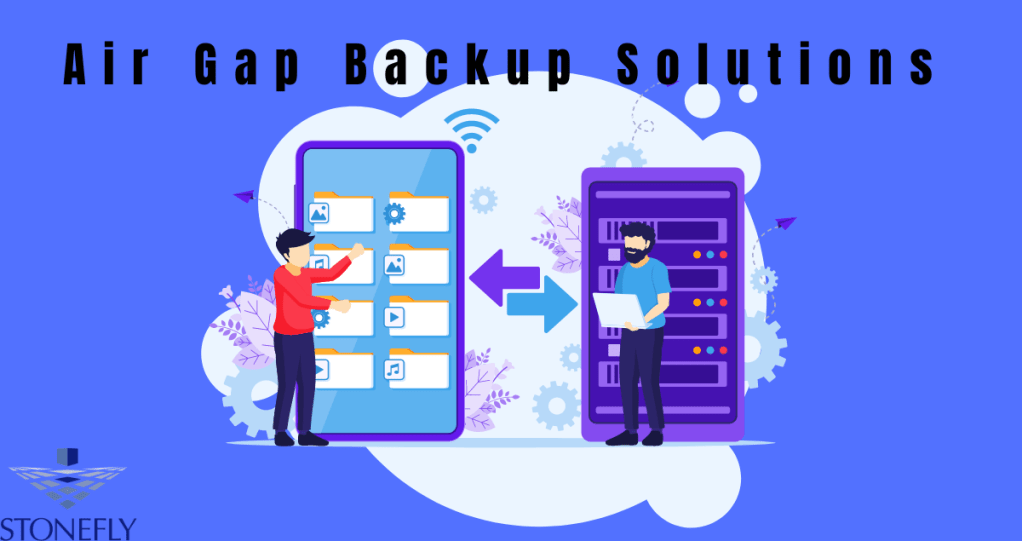
An air-gapped backup is a copy of your data that’s stored completely offline. That means it’s not connected to your business network or the internet. Hackers can’t reach it, even if they break into your system. It’s like keeping a backup in a locked vault far away from danger.
If your main systems get hit by a supply chain attack, you can use the air-gapped backup to restore everything without spreading the malware. This helps your business recover fast, without losing data or spending weeks cleaning up.
How Do Supply Chain Attacks Happen?
1. Through Third-Party Software
Many companies use outside software to run their systems. Hackers look for weak points in that software and use it as a doorway. Once they’re in, they can spread Malware to every company using it.
2. Infected Updates
Sometimes, attackers sneak into a software company and add harmful code to their updates. When users download the update, they also install the malware. This trick is hard to spot and can spread quickly.
3. Weak Vendor Security
Suppliers with weak security can open the door to attackers. If they have access to your network—even in a small way—hackers can use that path to break into your system.
Best Ways to Protect Your Business
Use Air-Gapped Backups
We already talked about this, but it’s worth repeating. Keep at least one full copy of your data completely offline. It’s your safety net if things go wrong.
Monitor Third-Party Access
Keep track of who has access to your system. Limit permissions, and make sure vendors follow strong security rules.
Scan Software and Updates
Don’t trust updates blindly. Use tools to scan for malware before installing anything. Always test software changes in a separate environment first.
Train Your Team
Teach your staff how to spot phishing attacks, strange emails, and odd system behavior. Many attacks start with a simple mistake, like clicking the wrong link.
Run Regular Security Checks
Use security tools to scan your network and systems often. Catching problems early stops them from growing.
Conclusion
Supply chain attacks are getting smarter and faster. But they’re not unstoppable. With strong steps—like using air-gapped backups, checking third-party tools, and training your team—you can block these attacks and bounce back quickly if one happens. Don’t wait for a problem to happen. Prepare now.
FAQs
Q1: How often should I update my air-gapped backup?
You should update your air-gapped backup regularly—daily if possible. Make sure you do it after business hours and scan your data first to avoid saving infected files.
Q2: Can air-gapped backups work for small businesses too?
Yes. Air-gapped backups are useful for businesses of any size. Even a basic offline external drive can make a big difference in an emergency.

 Cloud Backup services